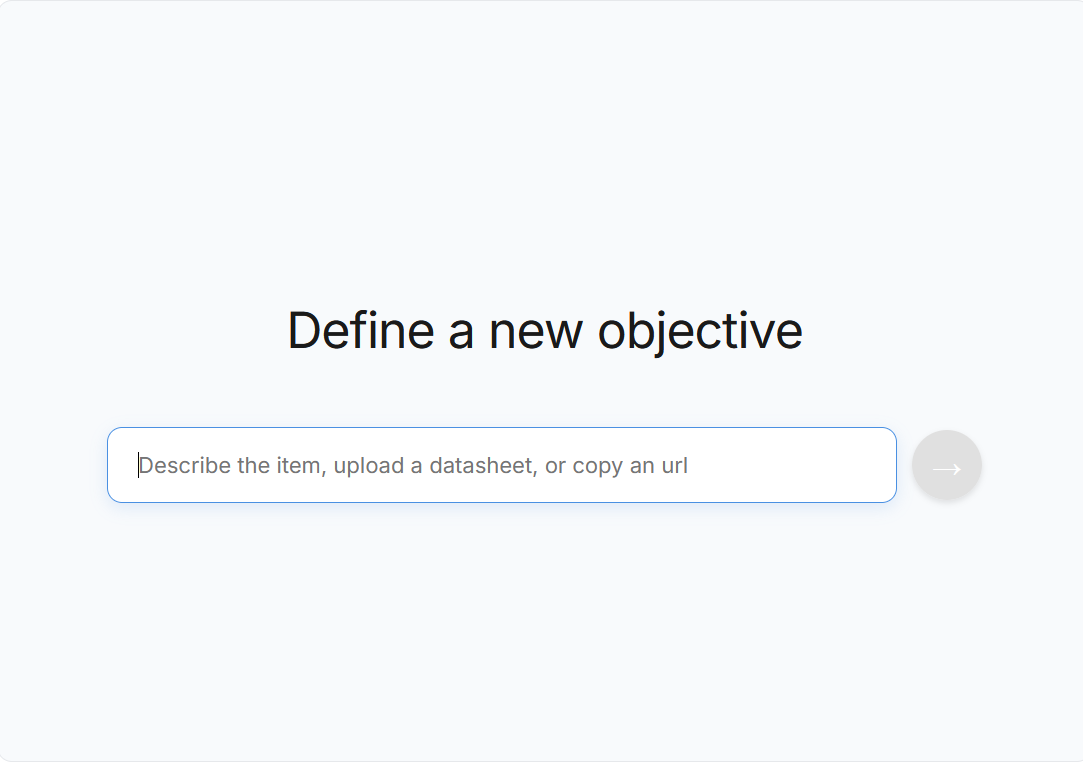
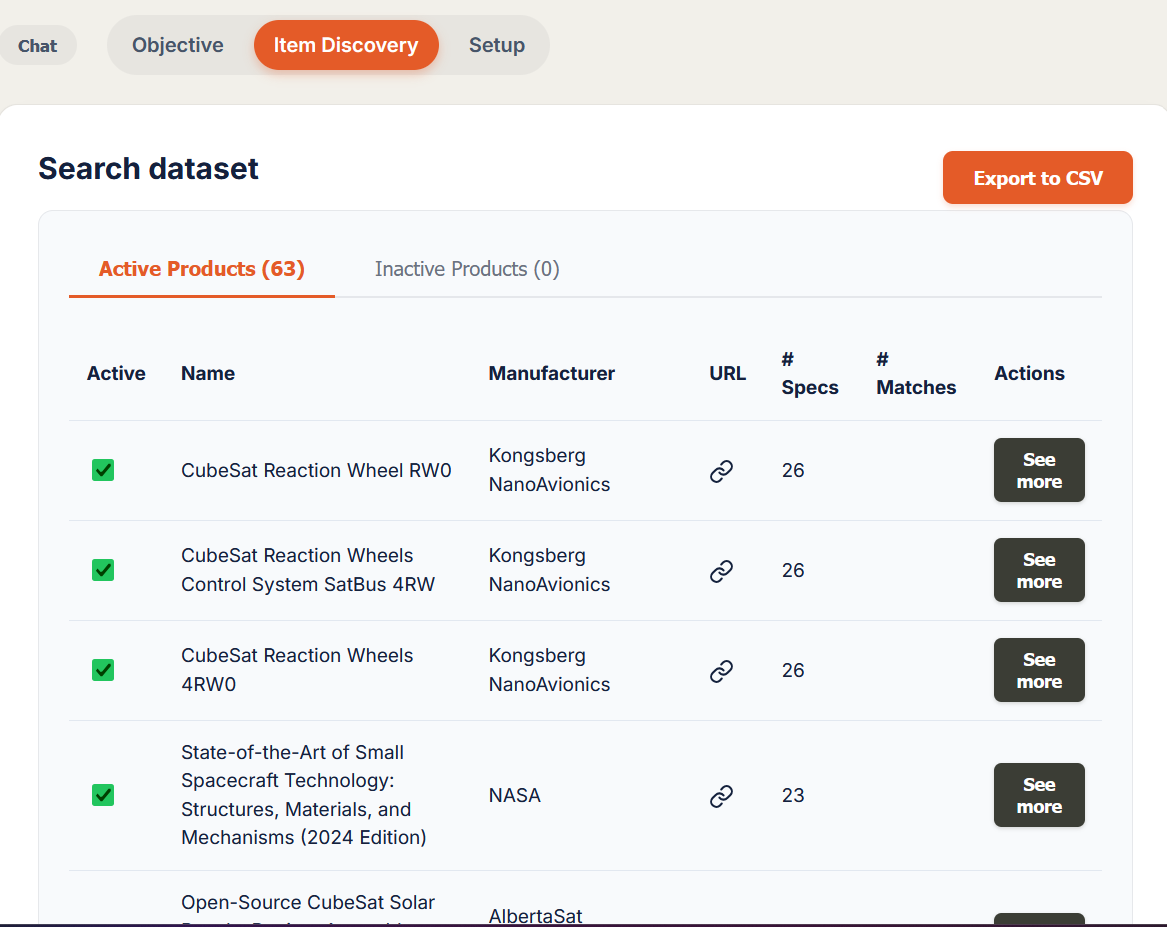
Step 2: Objective structuring to Web Search
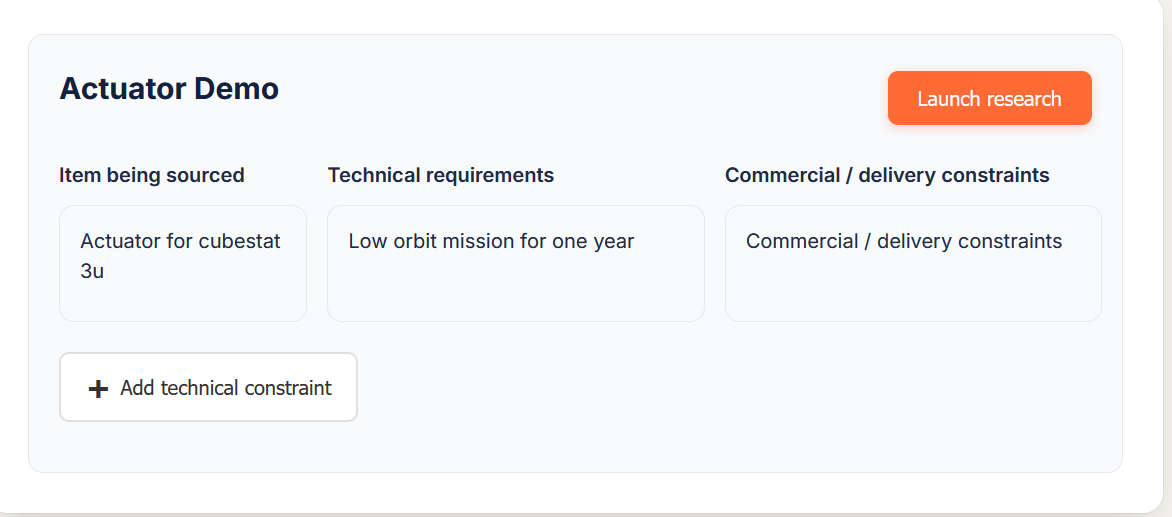
Once your objective is entered, Procureezy structures it into four categories:
Item being sourced - What the component is.
Example: “Actuator for CubeSat 3U”
Technical requirements - Mission context, performance, environment, standards.
Example: “Low Earth orbit mission, one-year duration”
Commercial and delivery constraints - Availability, region, lead time, procurement constraints.
Example: “Commercial availability, reasonable lead time”
Strict technical constraints - Non-negotiable conditions that must be respected.